Share it
Share a link or search for a place by name.
Bring the places from your saved Instagram and TikTok posts and group chats into one easily searchable place.
A private beta for iOS and Android.
Share a link or search for a place by name.
Choose the right place and save it to your group’s private list.
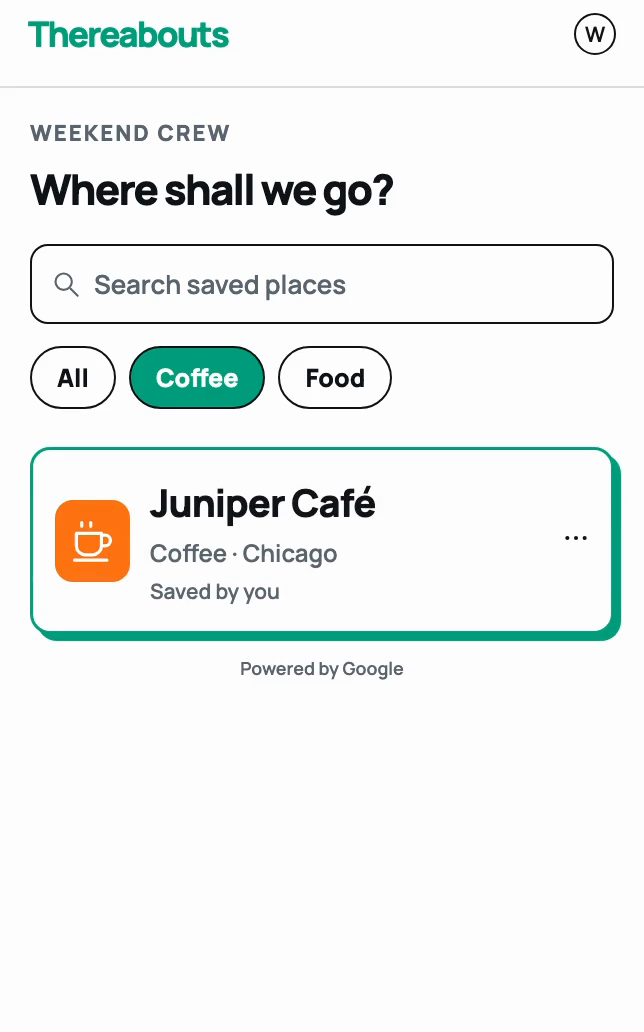
Search your list, see what’s close or open, and get directions.
Enter your email to get the app for iOS or Android.
No. Thereabouts doesn’t connect to your social accounts or read your DMs. You share a link or paste the place details yourself. If a post doesn’t provide enough detail, search for the place by name.
Only you and the people you invite to your group. Save places with your partner or friends, and choose from the same list.
Yes. Join the beta and we’ll email you install links for iOS and Android.
No. Thereabouts helps you find places you and your group have saved.